How I Use AI in Web Design

Amr Selim
The Internet Guy!
My take on AI in web design
AI is a great tool, and I believe every professional will be using it before long. Designers who use it well will deliver better projects, faster. They also get a helper that catches problems early, before they turn into expensive ones.
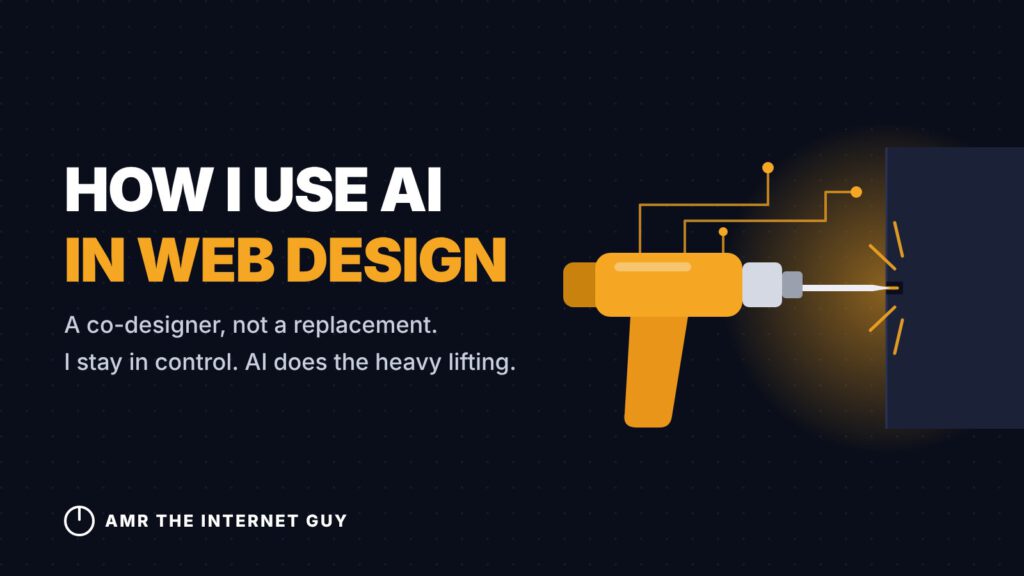
Not using AI today is like asking a builder to drill into a concrete wall with a hammer and chisel when a hammer drill is sitting in the truck. The craft is the same. The tool is just better.
How I use it: as a co-designer
I’m in full control of the concept, the strategy, and every decision on your project. AI is my co-designer. It helps me draft, test, audit, and tidy up faster, and it often spots things I’d otherwise find later.
I review everything before it reaches your site, and I’m accountable for the result.
What that means for you
- Your project gets my 20+ years of judgment, with less time wasted on repetitive work.
- Problems like broken forms, slow pages, and typos get caught sooner.
- Nothing goes live that I haven’t checked myself.
My advice if you’re starting out with AI
Don’t start from a blank prompt. Teach it about you first: your voice, your brand, your past work, and how you like to work. Feed it that context every time. My projects are far better today than when I first started using AI in April, because it now works from my profile, my voice, and my brand instead of guessing.
Used that way, AI doesn’t replace your style. It amplifies it.
— Amr Selim, “The Internet Guy”
How Claude describes working with Amr
- Amr steers, Claude executes. Amr sets the concept, the audience, and the decisions. Claude drafts, builds, audits, and reports back.
- Mockups before builds. Amr asks for options first, picks one, and refines it before anything is built.
- Report first, change second. Claude audits and lists findings, Amr approves them, and only then are changes applied. Anything uncertain is flagged instead of guessed.
- Real context. The work runs on Amr’s brand colours, voice, and client stories, not on generic copy.
- A running record. Decisions and open items are saved so a new session can pick up where the last one stopped.
Advice for someone using Claude as a co-web designer
- Give it context first. Write down your brand, voice, audience, pricing, and past work, and load it every time, since Claude doesn’t remember between sessions unless it’s saved.
- Ask for options, then pick. Two or three mockups beat one “perfect” draft, and choosing teaches it your taste.
- Say what you won’t allow. For example: “report, don’t edit”, “no changes to the footer”, or “ask before spending a limited resource”.
- Verify what matters. Check prices, claims, and anything client-facing yourself. AI can guess wrong, so review its work before it goes live.
- Keep the decisions. Ownership of the concept, the client relationship, and the final approval stays with you.